To learn how to restore deleted OneDrive files or folders please visit Restore deleted files or folders in OneDrive - Microsoft Support
Restoring a file/folder from the OneDrive Recycle Bin
- To access OneDrive, go to https://onedrive.louisiana.edu using your ULID@louisiana.edu. Authenticate with MFA when prompted.
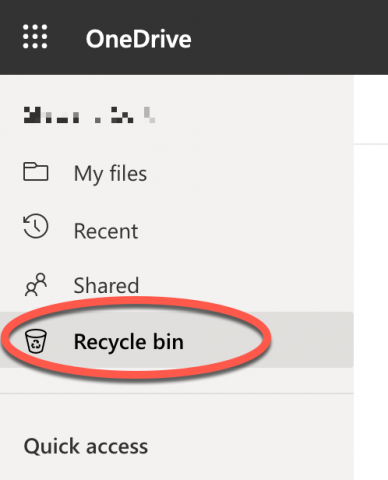
- Click Recycle bin in the left navigation menu.
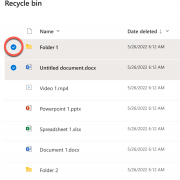
- Click the white circle to the left of the file or folder name you'd like to restore to select it.
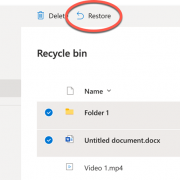
- Click Restore in the top menu.
- Your file or folder should now be restored to its original location.